Guide For Creation of Tenant & User with Permissions
How to Create a Tenant and User with Permissions in ICTFax
ICTFax is a multi-tenant fax platform. Admins create tenants, tenants create users, and each level controls the fax resources and permissions available to the next level. This guide walks through both flows.
Table of Contents
1. Create a Tenant
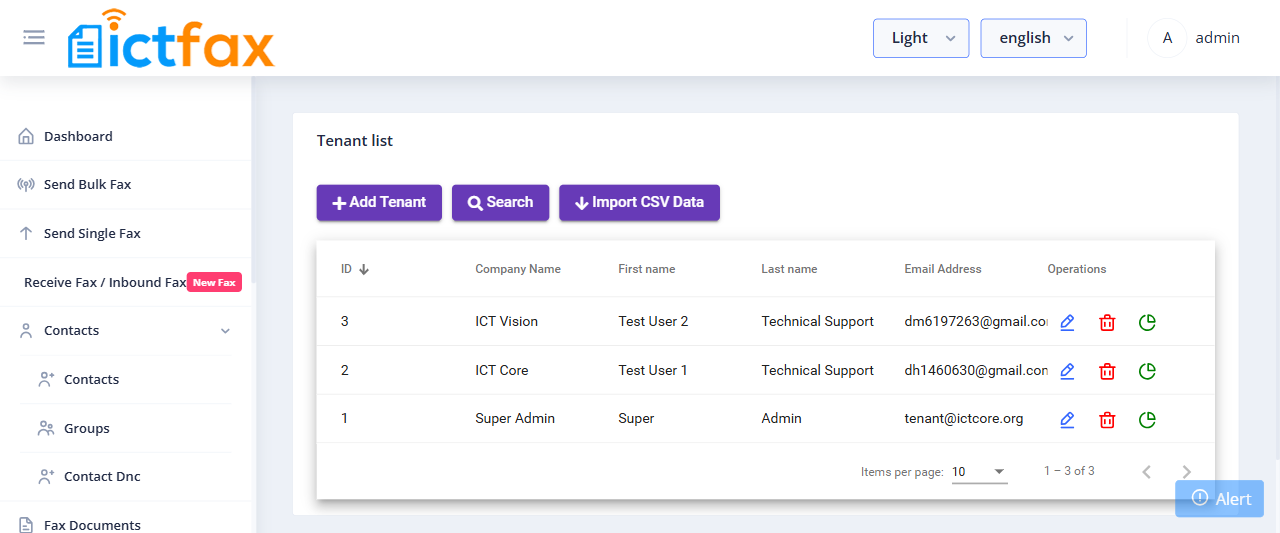
Tenants are independent accounts that manage their own users, DID numbers, and fax limits within the quota the admin assigns.
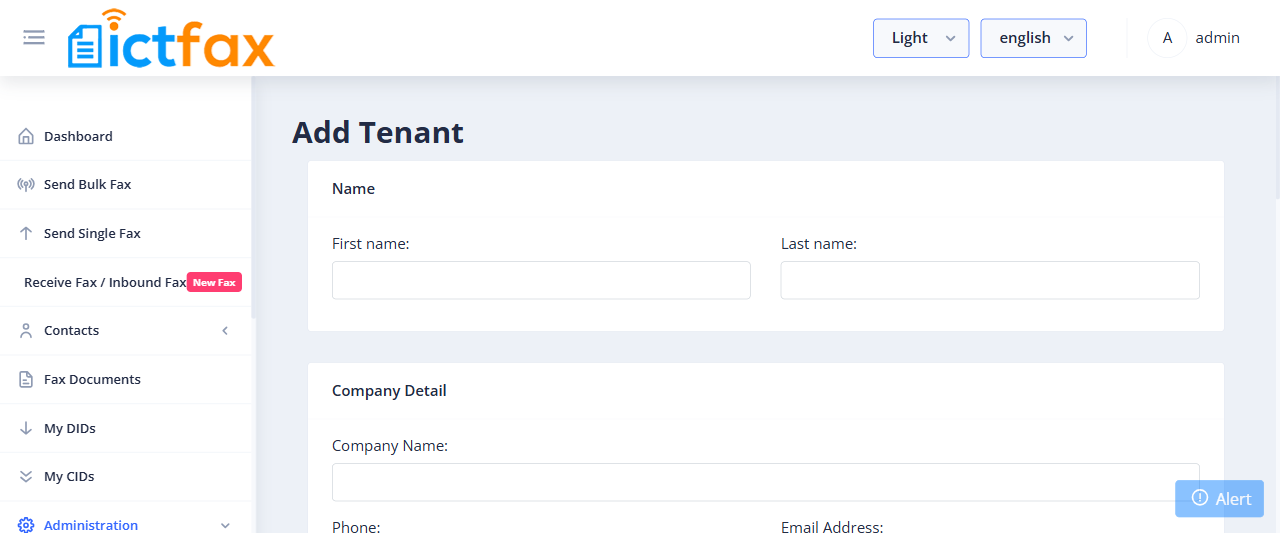
- Log in as Admin and go to Administration > Tenants.
- Click Add Tenant.
- Fill in the required fields:
- Name — tenant’s first and last name.
- Company Detail — company name, phone, email, and address.
- Country & Timezone — select the tenant’s country and timezone. Set Active to Yes.
- Fax Limit — set daily and monthly fax page limits. The tenant allocates these limits to their users. When the limit is reached, the system returns a “Fax limit exceeded” error.
- Permissions — assign the permissions this tenant’s users can access (Send Fax, Receive Fax, Email to Fax, Fax to Email, etc.).
- Enable MFA — when enabled, users under this tenant log in with multi-factor authentication. Each user selects their preferred MFA method on first login.
- Password Expiry — enable to send email alerts to users whose passwords are about to expire. Set the expiry and notification day counts after enabling.
- Click Submit to save the tenant.
2. Create a User
Users are created by the admin or by a tenant. They share the tenant’s fax resources and can only access features the admin or tenant has permitted.
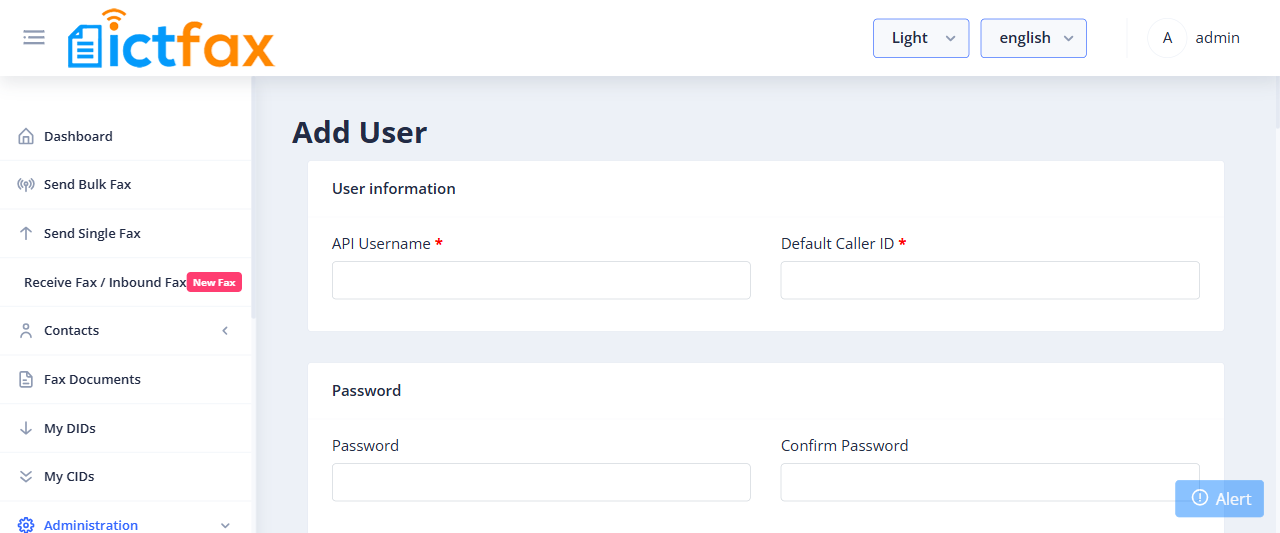
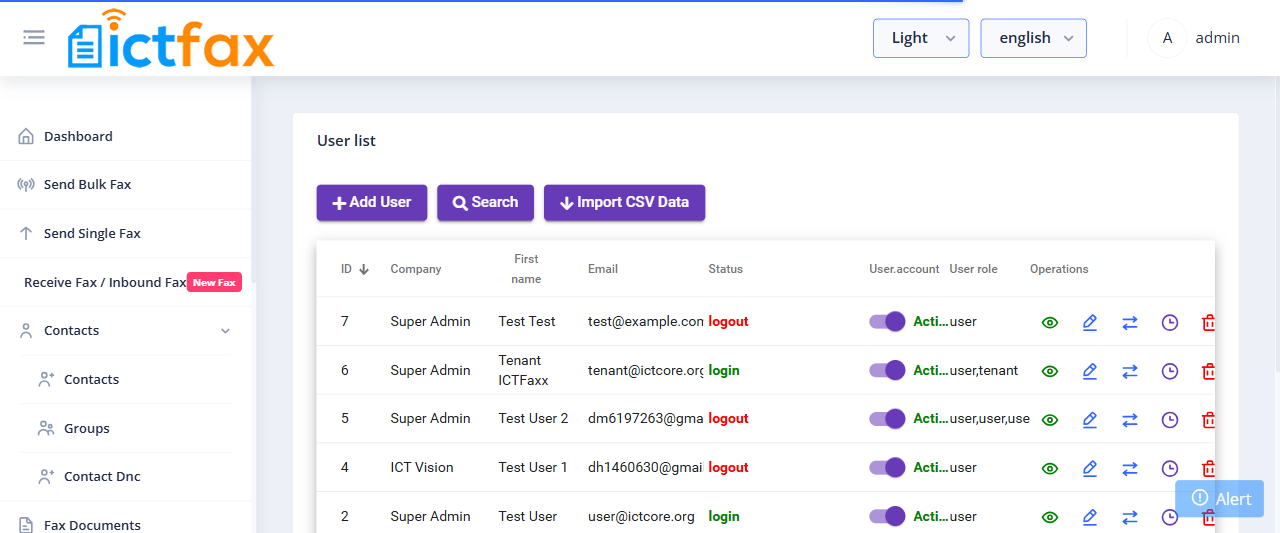
- Log in as Admin or Tenant and go to Administration > User Management.
- Click Add User.
- Fill in the required fields:
- User Information — username and Default Caller ID (used for Send Fax and Email-to-Fax).
- Password — set and confirm the login password.
- Name — first and last name.
- User Address — phone number, login email, and address.
- Country & Timezone — select the user’s country and timezone.
- Company & Active — set Active to Yes. Enter a company name if needed.
- Role & Tenant — select the role (Admin, Tenant, or User) and pick the tenant this user belongs to. Assigning both Tenant and User roles saves the account as a tenant with full tenant privileges.
- Fax Limits — set the user’s daily and monthly page limits from within the tenant’s quota. When the user’s limit is reached, they see “Fax limit exceeded” and must contact their tenant for an increase.
- Permissions:
- Send Fax — if not assigned, the Send Fax menu does not appear for this user.
- Receive Fax — if not assigned, received faxes are hidden from the user.
- Email to Fax — if not assigned, the user cannot send faxes via email.
- Fax to Email — if not assigned, the user cannot receive faxes to their email or configure DID forwarding.
- Click Submit to save the user.